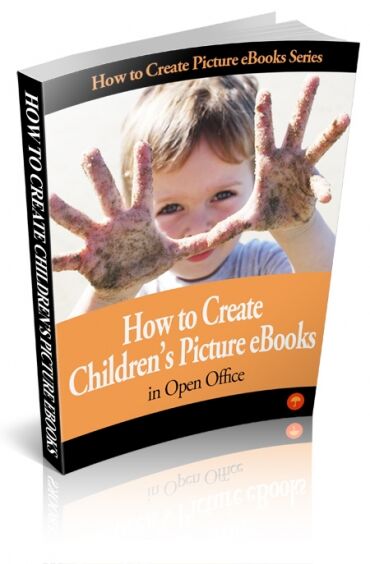
How to Create Children's Picture eBooks in Open Office
Price: 7.90
PLR Ebook on How to Create Children's Picture eBooks in Open Office
Having experience using various productivity software or tools is advantageous if you are planning to apply for a job.
If you have no experience using Open Office, then this ebook will serve as your guide.
Below are some of the topics you will learn:
- Picture Book Considerations
- Publishing Considerations
- Creating a Cover Page
- Images for your Cover and eBook
- Publishing Options
- Sourcing Original Artwork for Picture eBooks
- And much more...
Terms
- [YES] Can be sold
- [YES] Can be used for personal use
- [YES] Can be packaged with other products
- [YES] Can modify/change the sales letter
- [YES] Can modify/change the main product
- [YES] Can modify/change the graphics and ecover
- [YES] Can be added into paid membership websites
- [YES] Can put your name on the sales letter
- [YES] Can be offered as a bonus
- [YES] Can be used to build a list
- [YES] Can print/publish offline
- [YES] Can convey and sell Personal Use Rights
- [YES] Can convey and sell Resale Rights
- [YES] Can convey and sell Master Resale Rights
- [YES] Can be translated to other languages
- [YES] Can be added to shops/memberhips containing more than 500 products
- [NO] Can be given away for free
- [NO] Can be added to free membership websites
- [NO] Can convey and sell Private Label Rights
Loading preview. Please wait...
- /
-
- CreateChildrenseBookOO_plr
- Ebook
- 2 - How to Create Picture eBook in Open Office.doc
- 2 - How to Create Picture eBook in Open Office.odt
- 2 - How to Create Picture eBook in Open Office.pdf
- Ecover
- Cover 1b Create Kids Books Open Office .jpg
- Cover 1b Create Kids Books Open Office .psd
- Cover 6b.jpg
- Cover 6b.psd
- eCover.jpg
- eCover450.jpg